
Every U.S. military installation in one place: what the base is like, what living there costs, the schools, the neighborhoods, and a trusted Military Relocation Specialist waiting on the other end.
Search a base, an acronym, or the city you are moving to. 495 installations, every branch.
Each installation page is a full relocation briefing, not just a pin on a map. Research your orders the way you would want a sponsor to brief you.
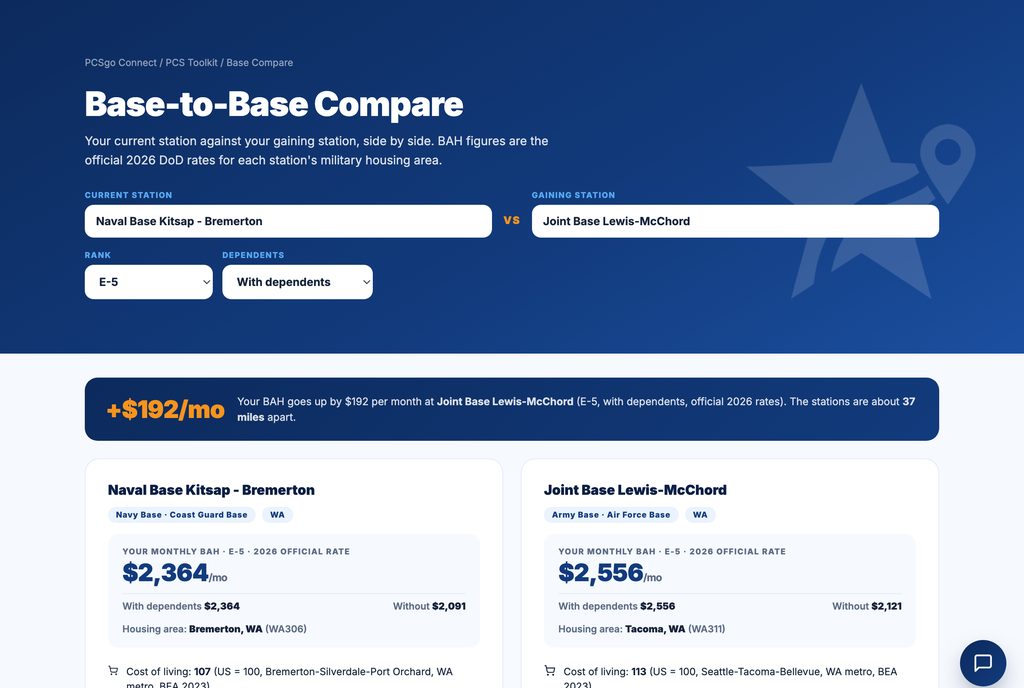
Official 2026 DoD rates for your rank with and without dependents, median home prices, rent, and how far your pay actually goes.
The towns people choose, schools, hospitals, shopping, and trails, with measured drive times traced from each community to the gate.
Live conditions from the National Weather Service, plus NOAA 30-year normals so you know the wet season before the truck arrives.
The districts serving each installation with NCES enrollment, school counts, and grade spans, plus DoDEA options where they exist.
Military treatment facilities, VA care, civilian emergency rooms, child care, and the chaplain, one tap away on every guide.
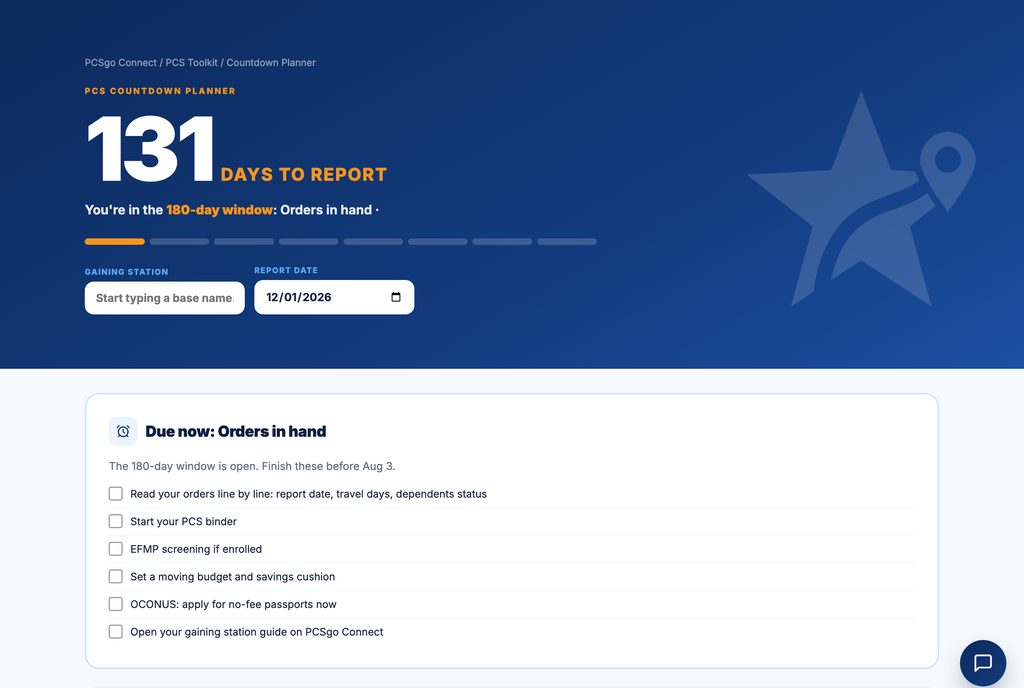
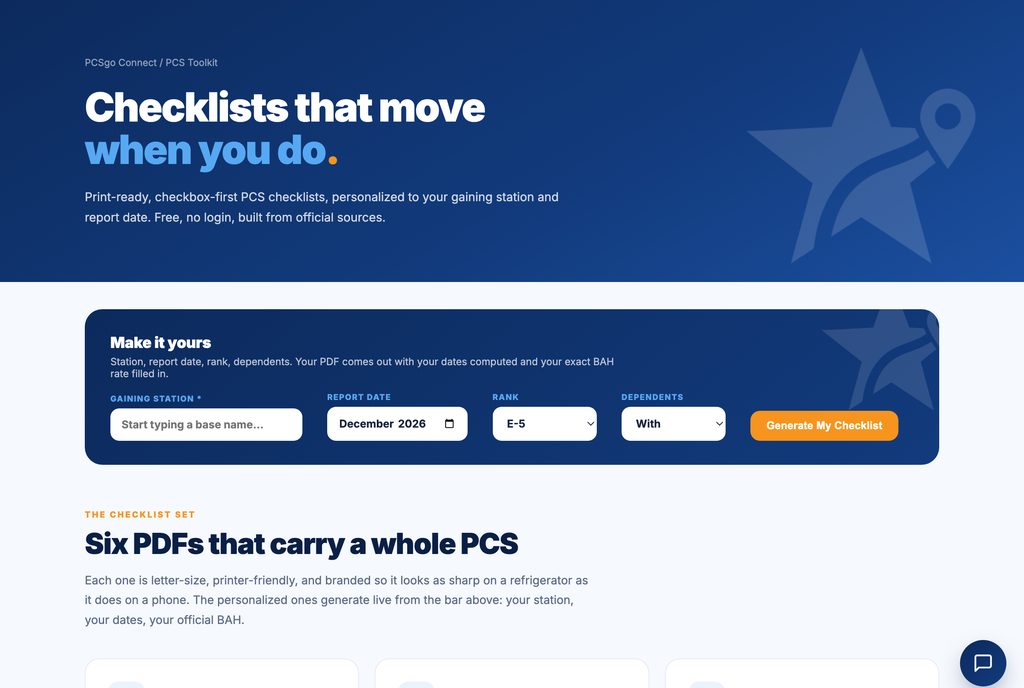
Six printable checklists and four calculators, rebuilt around your station and your report date. No sign up, nothing to install.
Every guide ends with one vetted Military Relocation Specialist in your gaining area, VA-loan fluent and living where you are headed. One per installation, interviewed first.
Free, no sign up, no catch. Built on official DoD, Census, NCES, BEA, and NOAA data.
Six printable PDFs and four planning tools, each one rebuilt around your gaining station, rank, and report date. Not generic advice: your dates, your BAH, your weight allowance.
RFO drops. You've got a base name and a report date, and a hundred questions.
Search your gaining installation and open its full station guide.
Costs, neighborhoods, schools, BAH math. Know the area before the moving truck does.
Get introduced to a Military Relocation Specialist at your next station and start your home search early.
Tell us where you're headed and we'll connect you with a Military Relocation Specialist who lives and works there. Real answers about the area, BAH strategy, and your home search, straight from someone on the ground.